SoundTouch Companion & Smart Audio Controller
Keep your SoundTouch devices alive after the cloud shutdown (May 6, 2026)
BoSonar combines multiroom control, stereo pairing, media server support (NAS), presets, favorites, SoundTouch device settings and playback of your own audio streams — all in one app. Play your own music or stream URLs on your speakers or straight on your phone.
Features
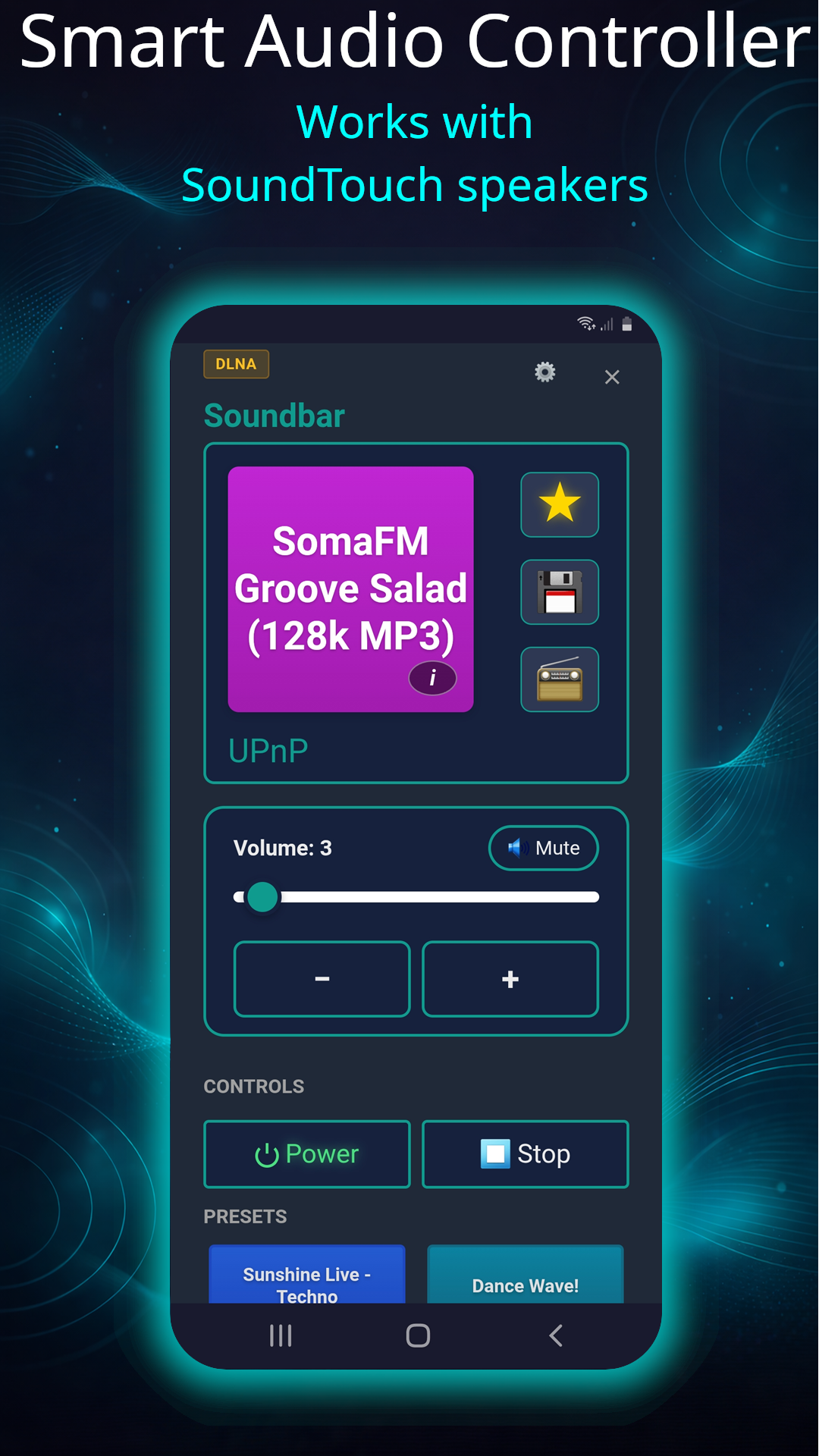
Smart Audio Controller
Manage and control your speakers and audio sources straight from your phone.
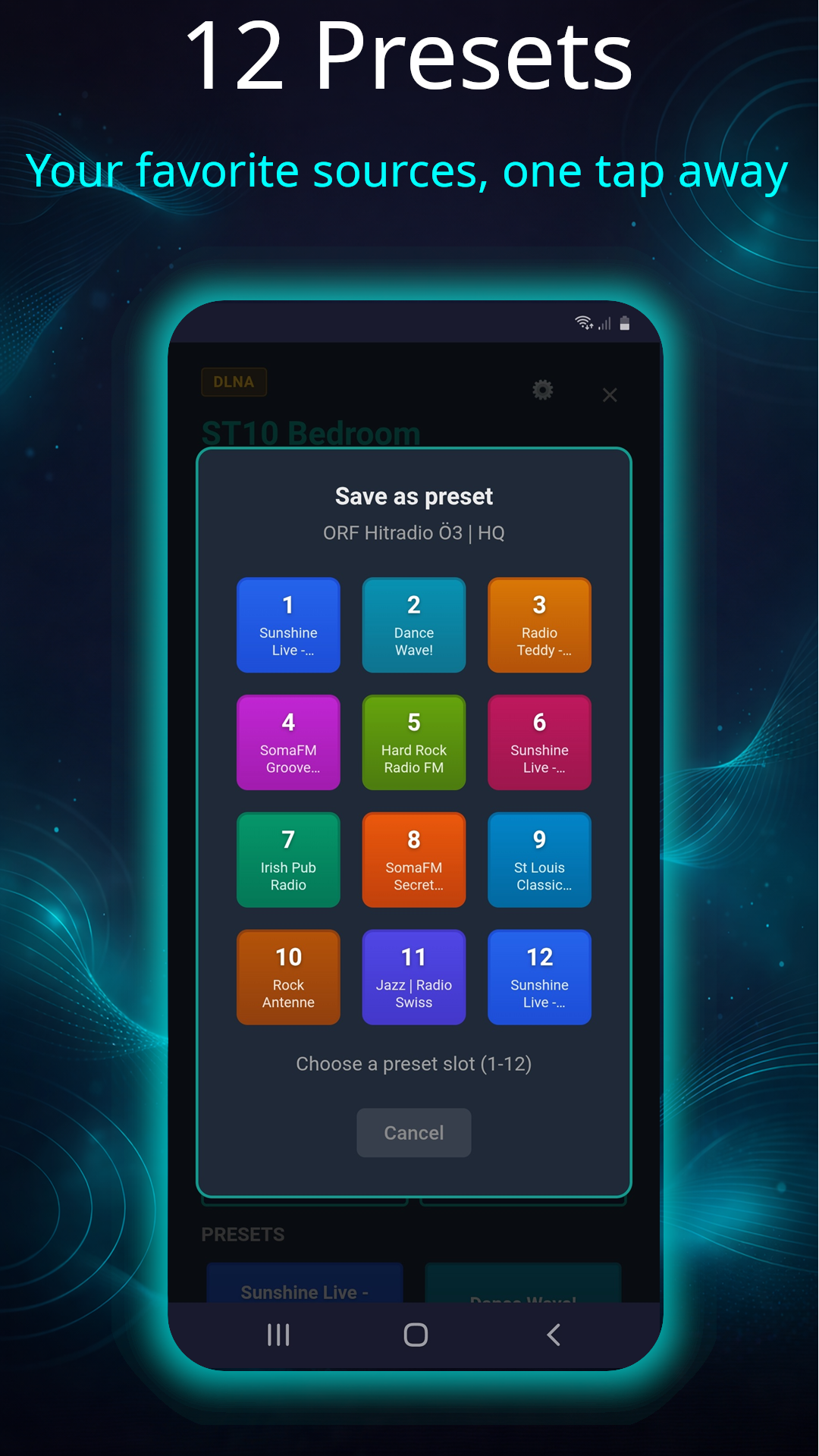
Physical and Extra Presets
The preset buttons on your speaker work again — plus twelve extra presets in the app.
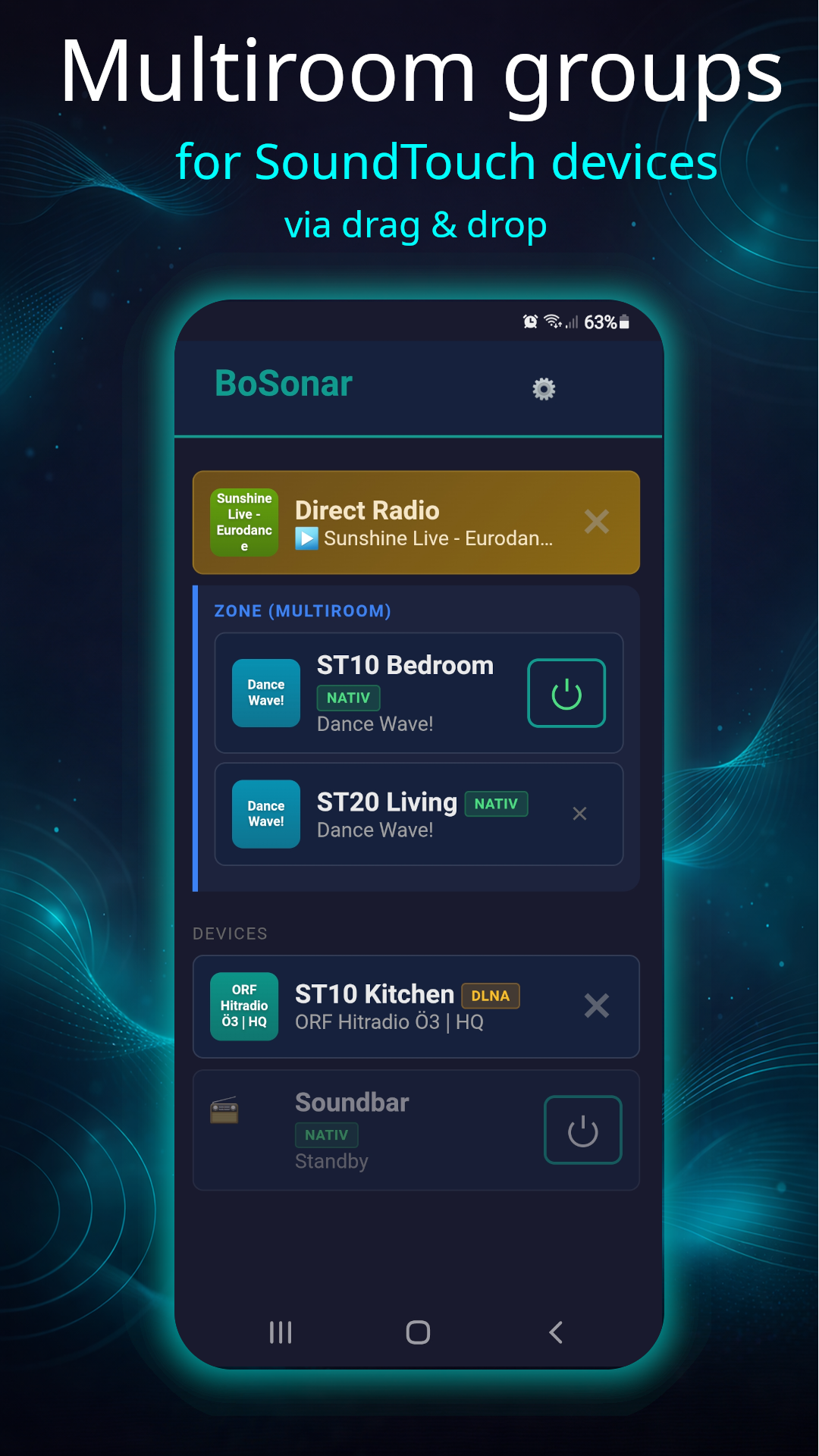
Multiroom Control
Create and control multiroom groups for SoundTouch devices.
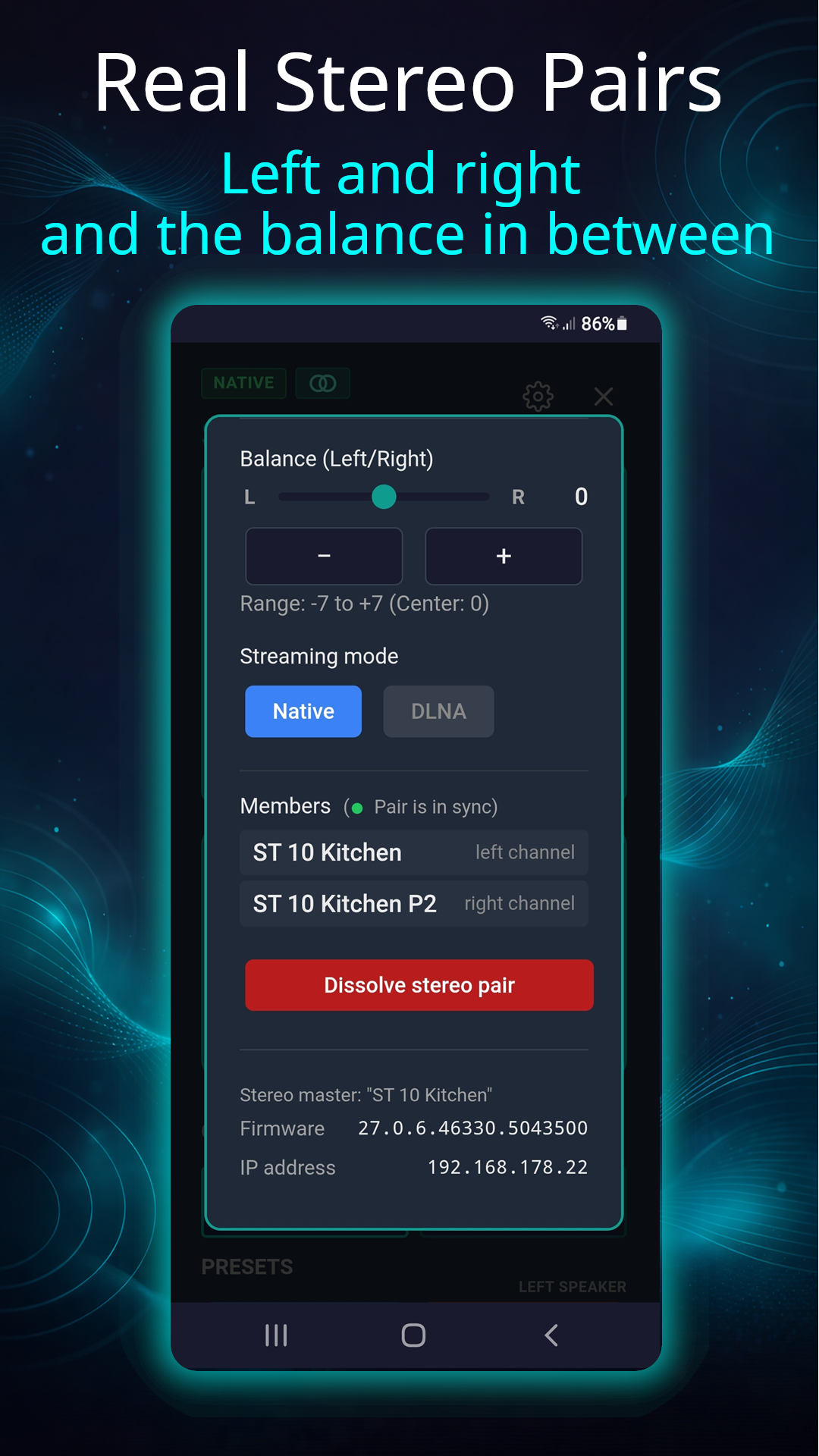
Real Stereo Pairs
Two SoundTouch 10 speakers become one stereo pair — left, right and adjustable balance.
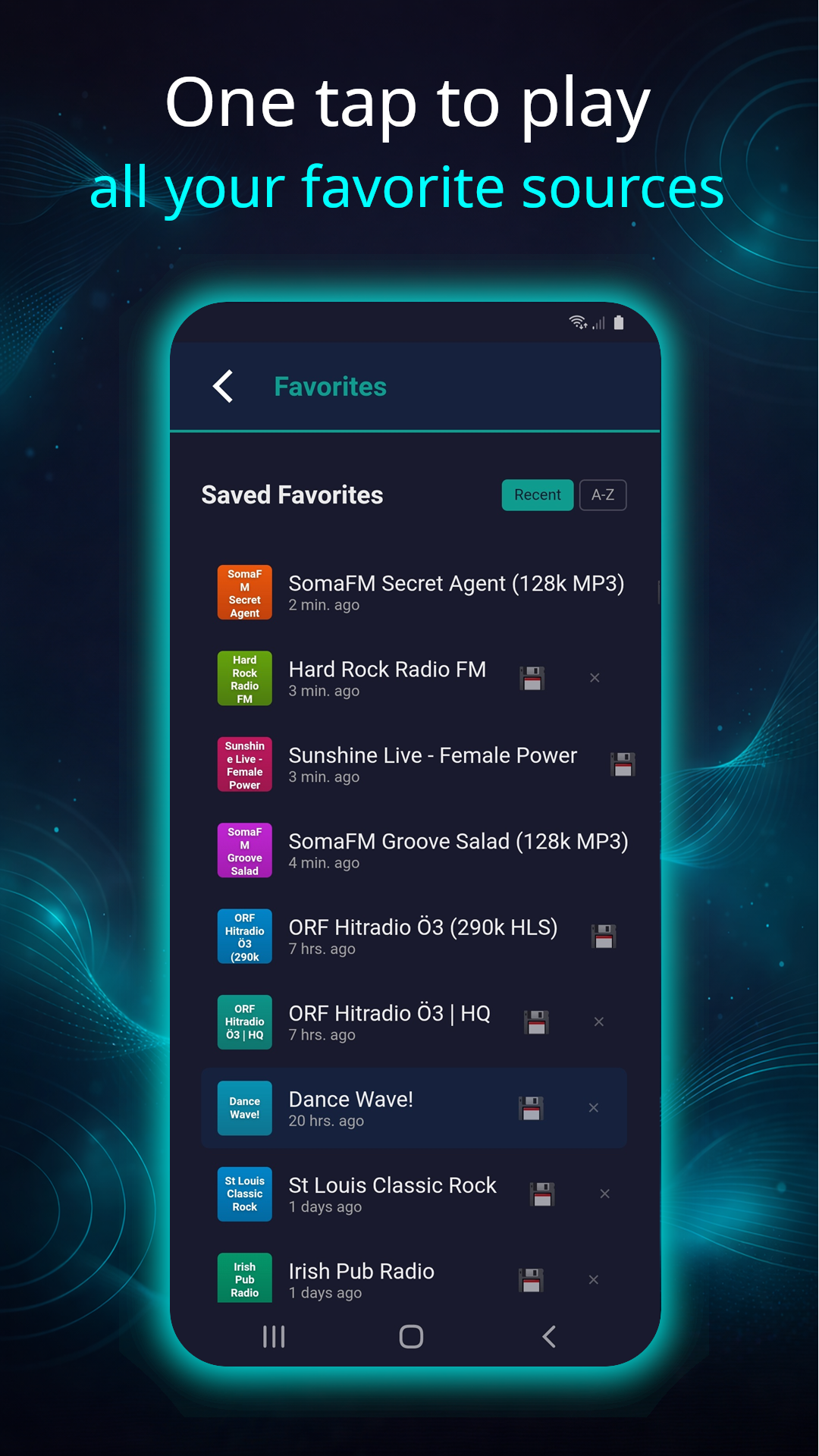
Unlimited Favorites
Save and organize your music and streams.
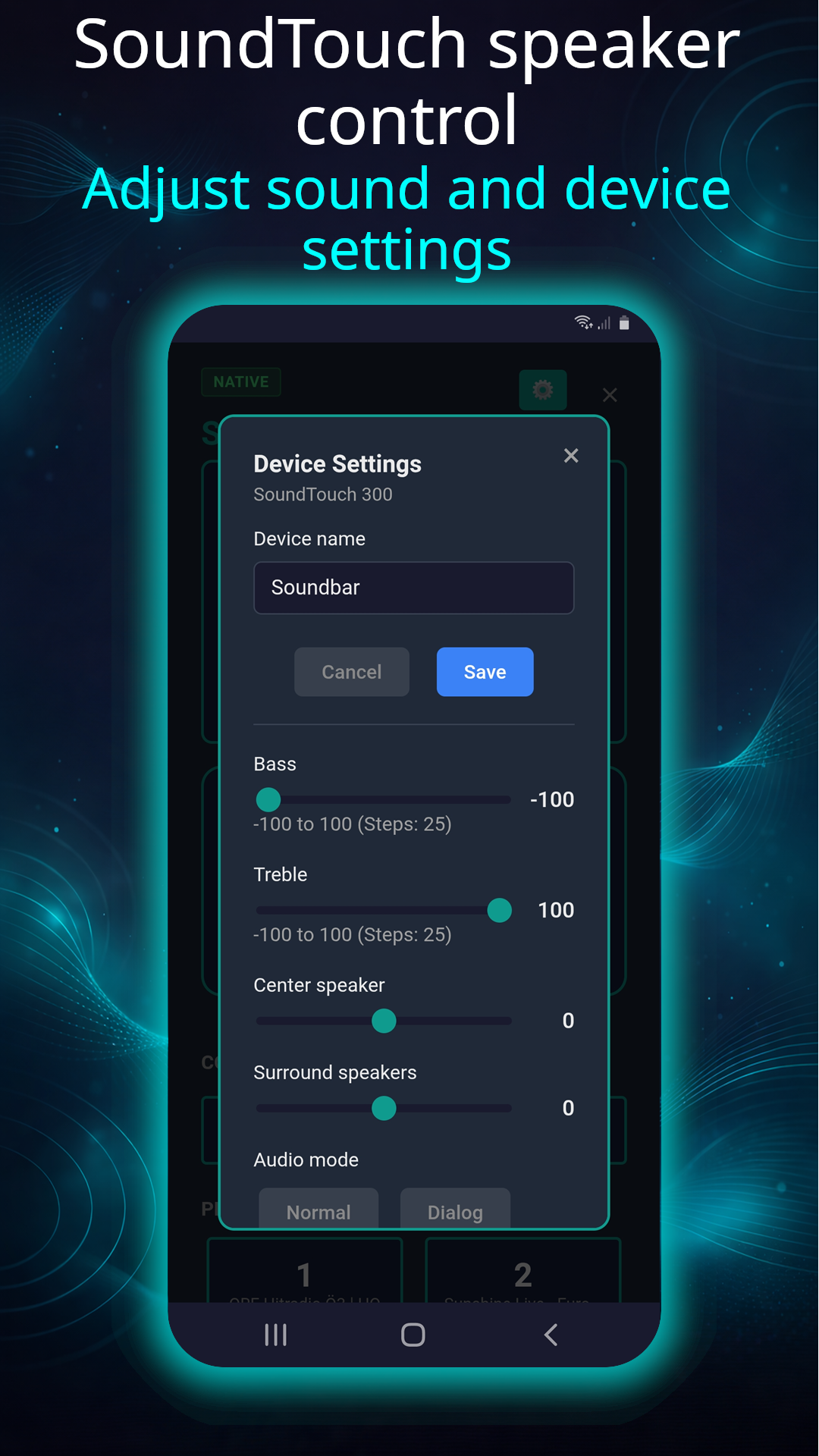
Device Settings
Adjust supported settings directly in the app.
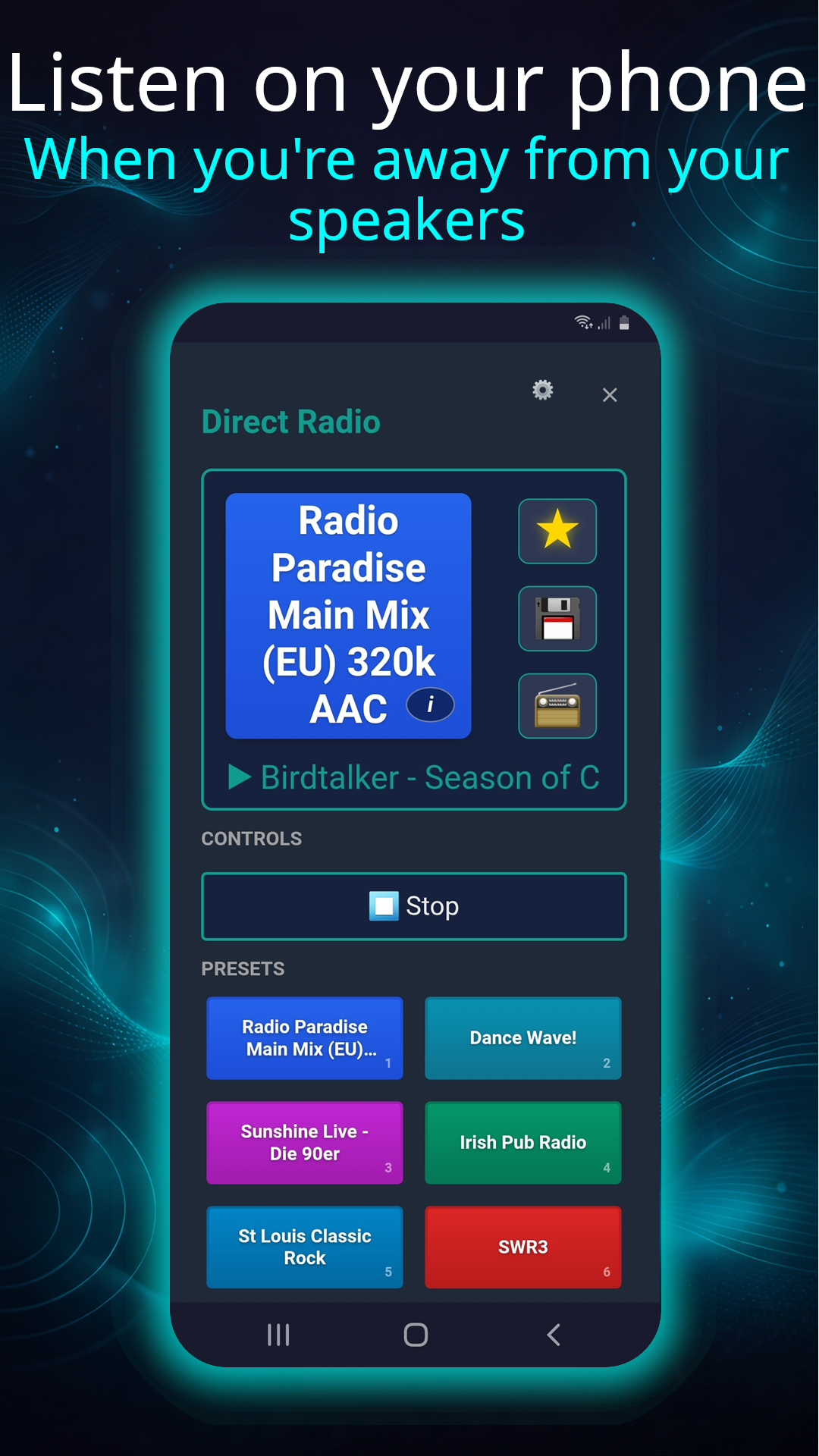
Listen on Your Phone
Built-in native audio player — even on the go, no speaker needed.
Tablet Optimized
BoSonar makes full use of your tablet's screen with a specially optimized layout.
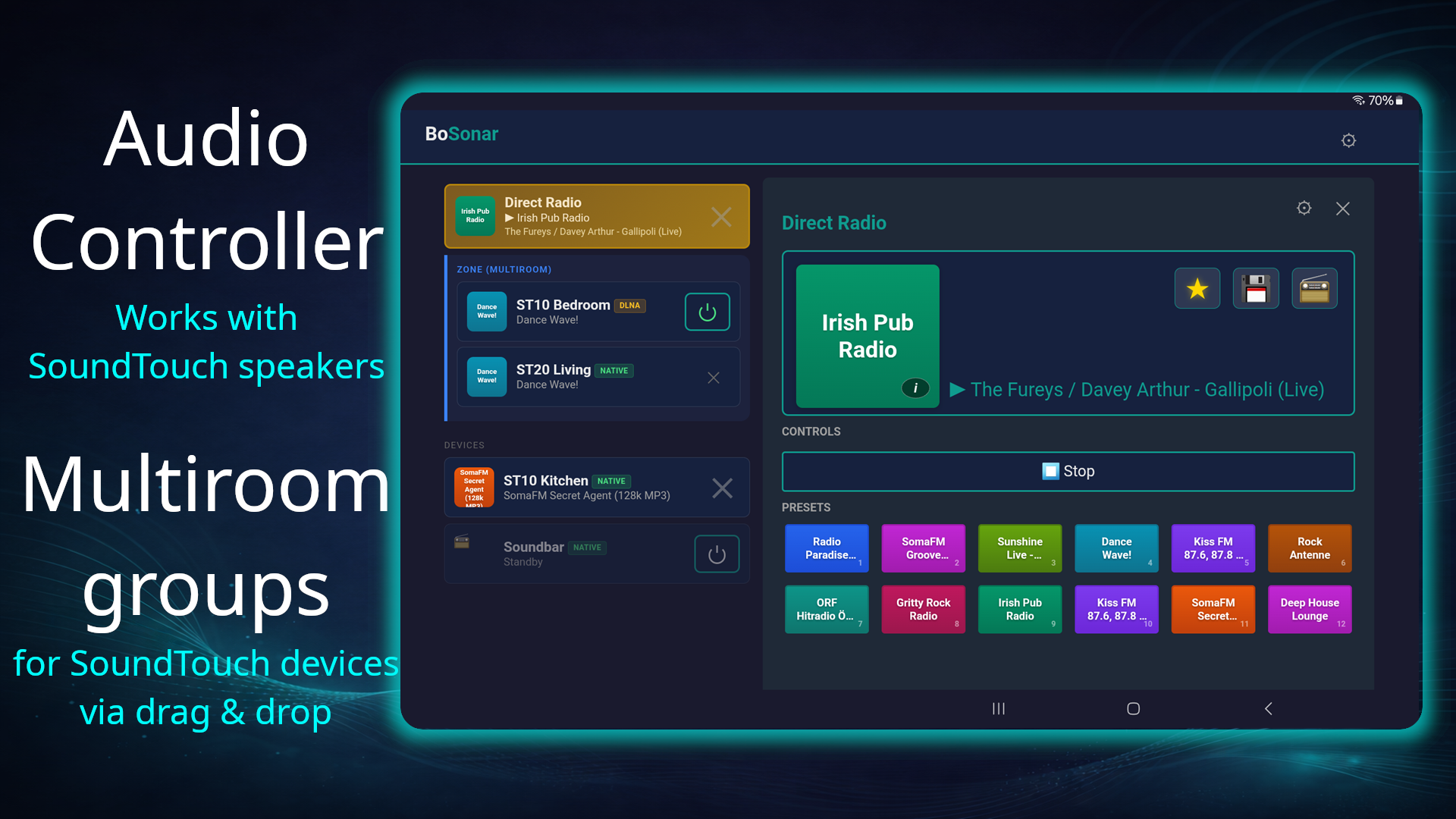
BoSonar works in landscape and portrait — the layout adapts automatically. Portrait offers an especially rich overview.
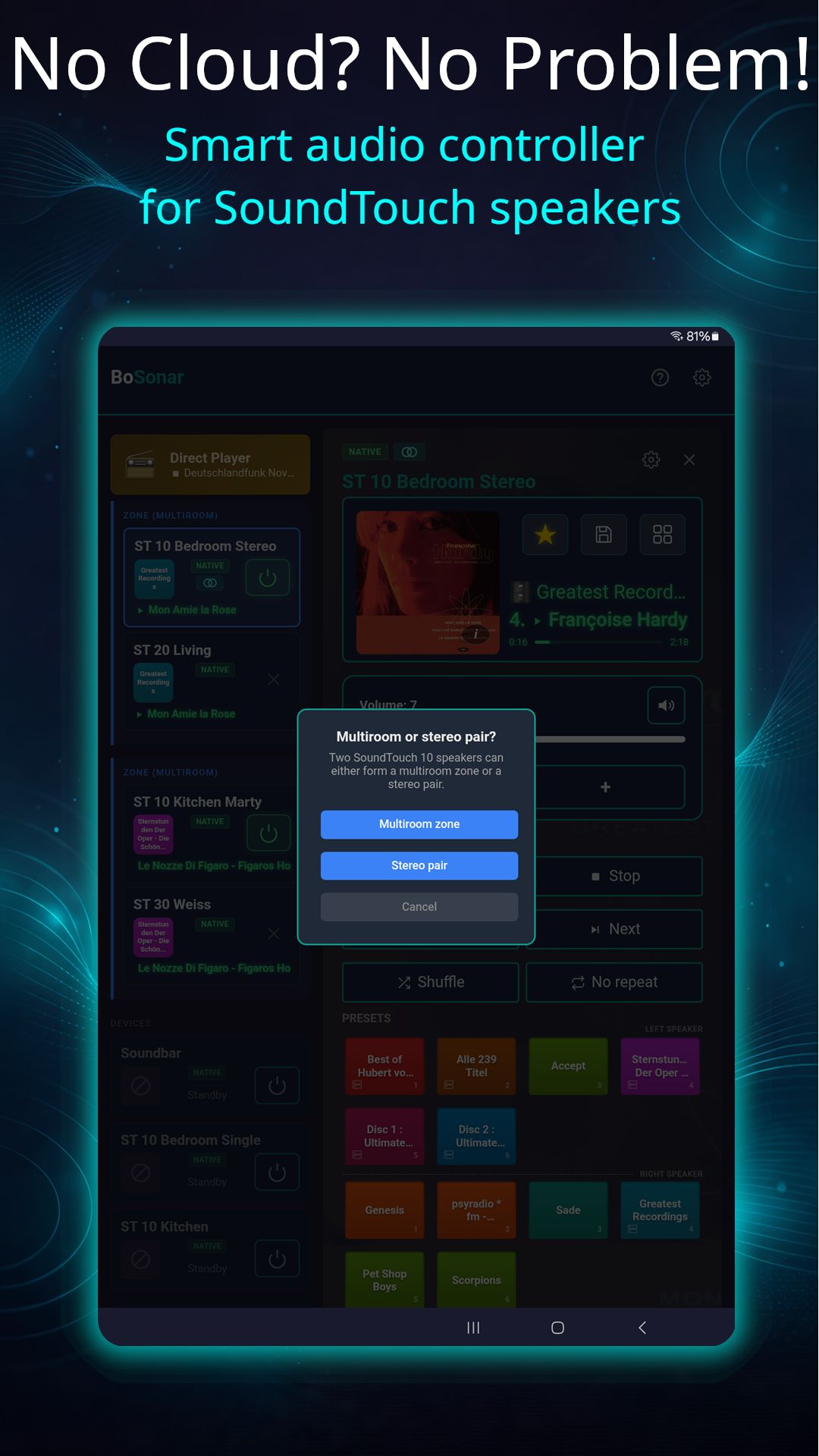
Smart Audio Controller
Manage and control your speakers and audio sources straight from your tablet.
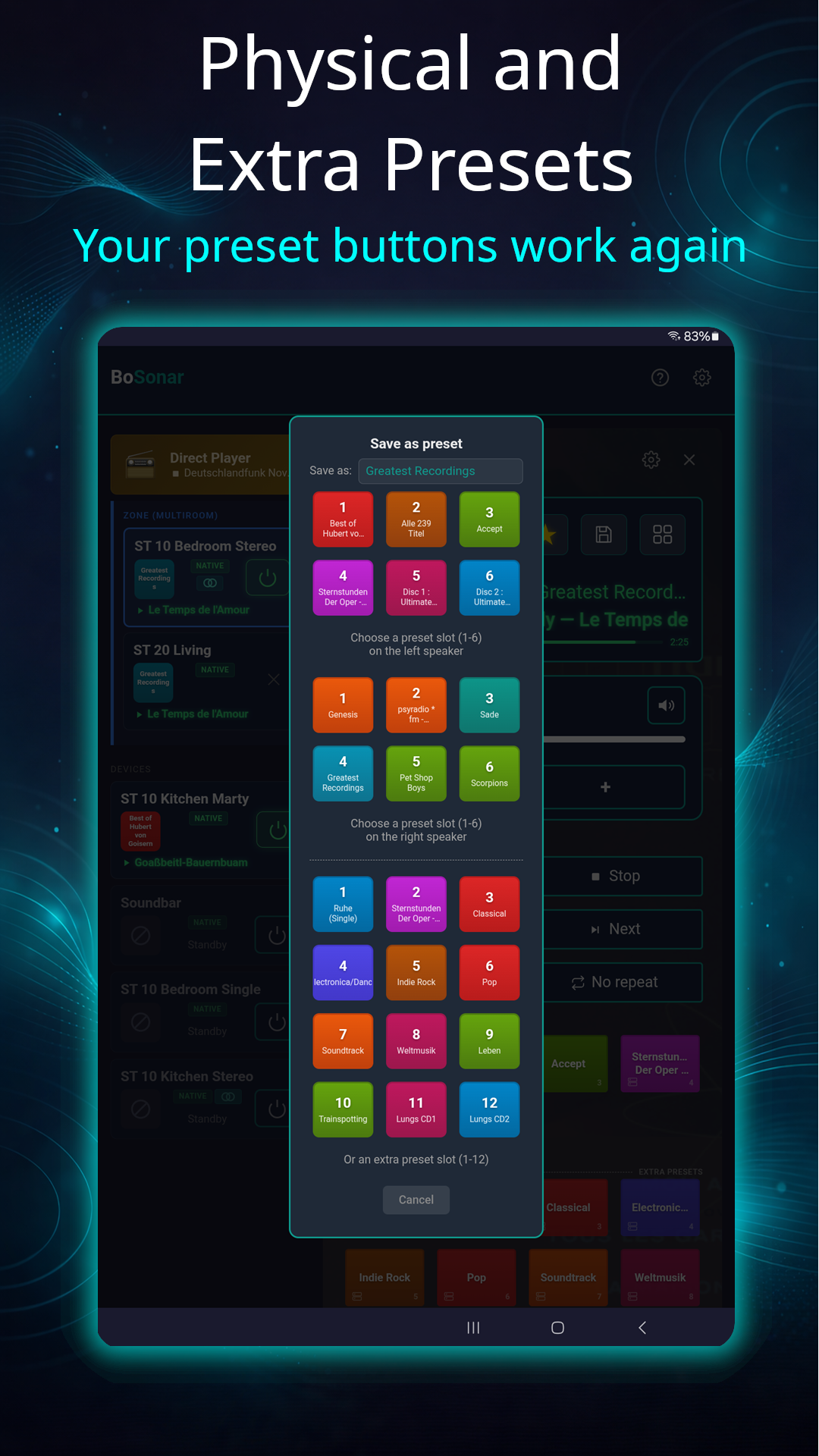
Physical and Extra Presets
The preset buttons on your speaker work again — plus twelve extra presets in the app.
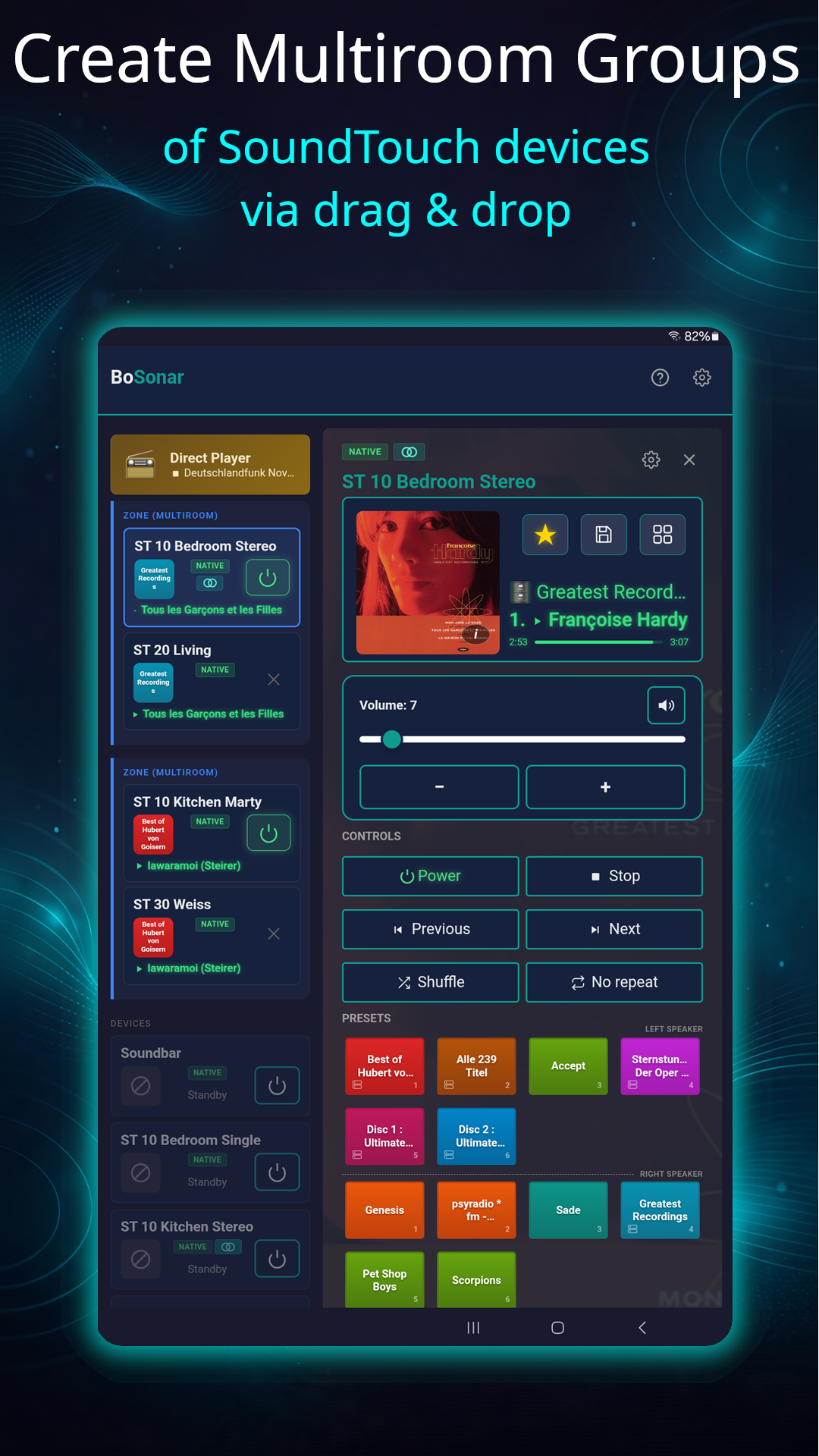
Multiroom Control
Create and control multiroom groups for SoundTouch devices.
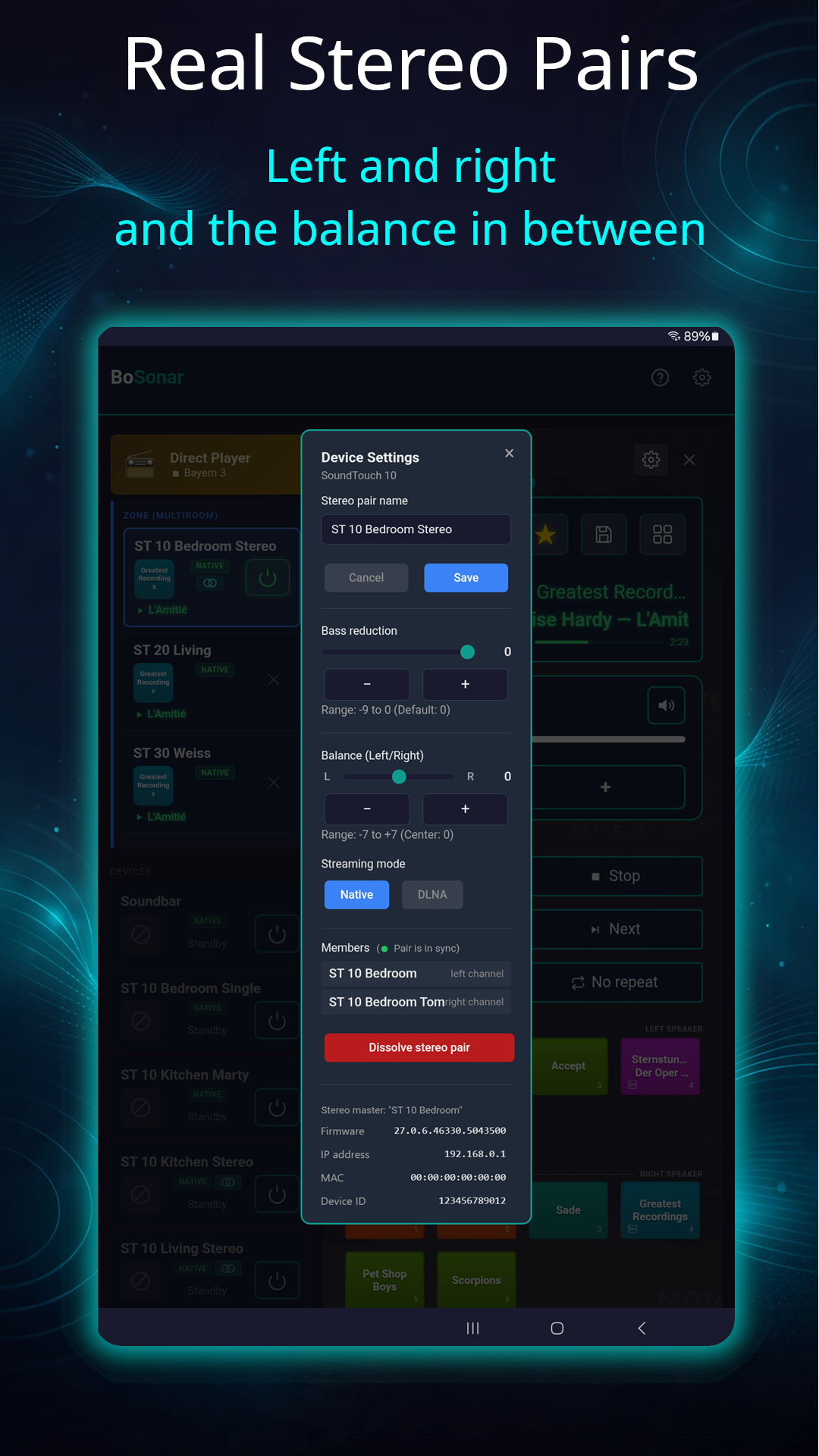
Real Stereo Pairs
Two SoundTouch 10 speakers become one stereo pair — left, right and adjustable balance.
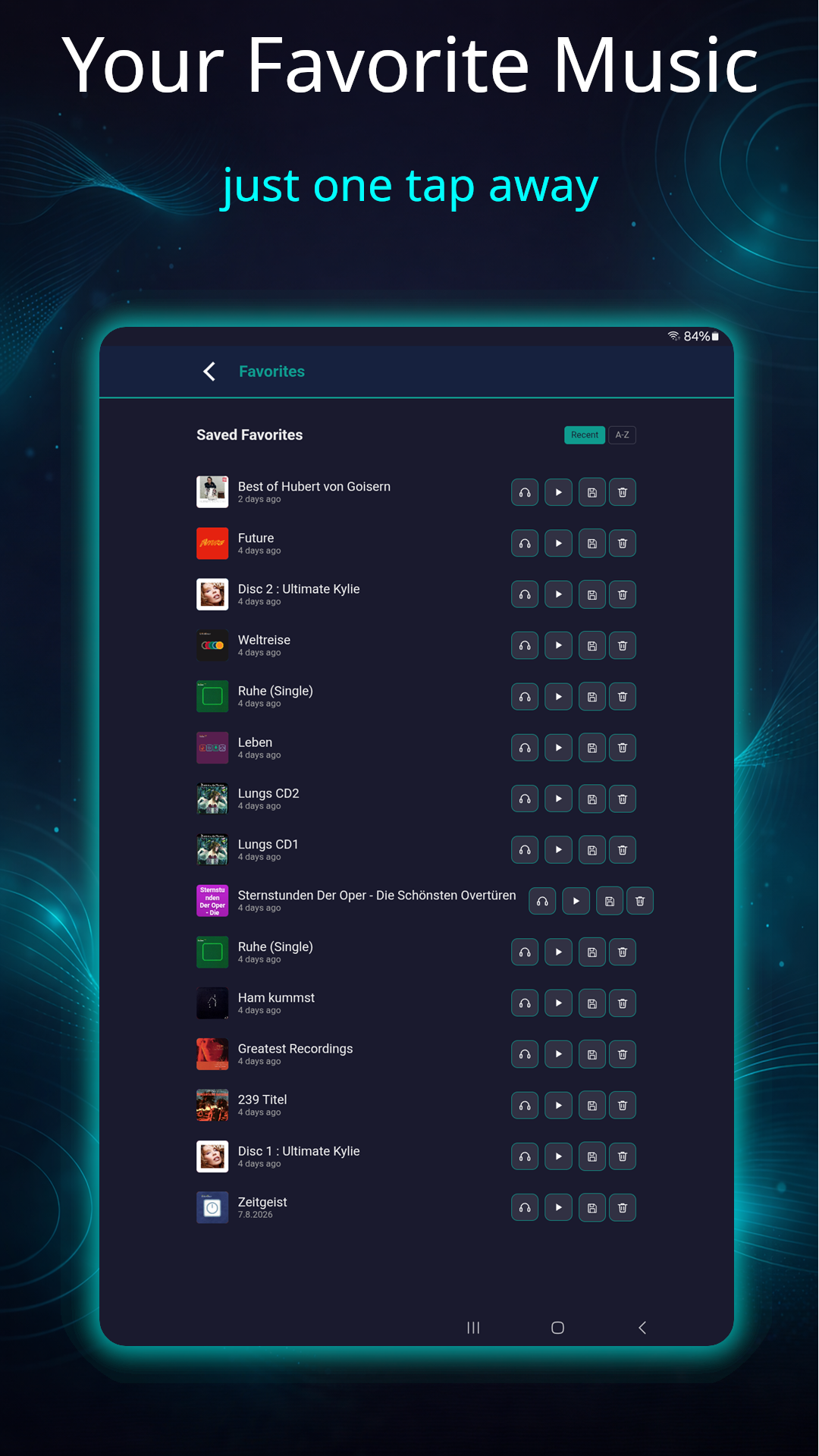
Unlimited Favorites
Save and organize your music and streams.
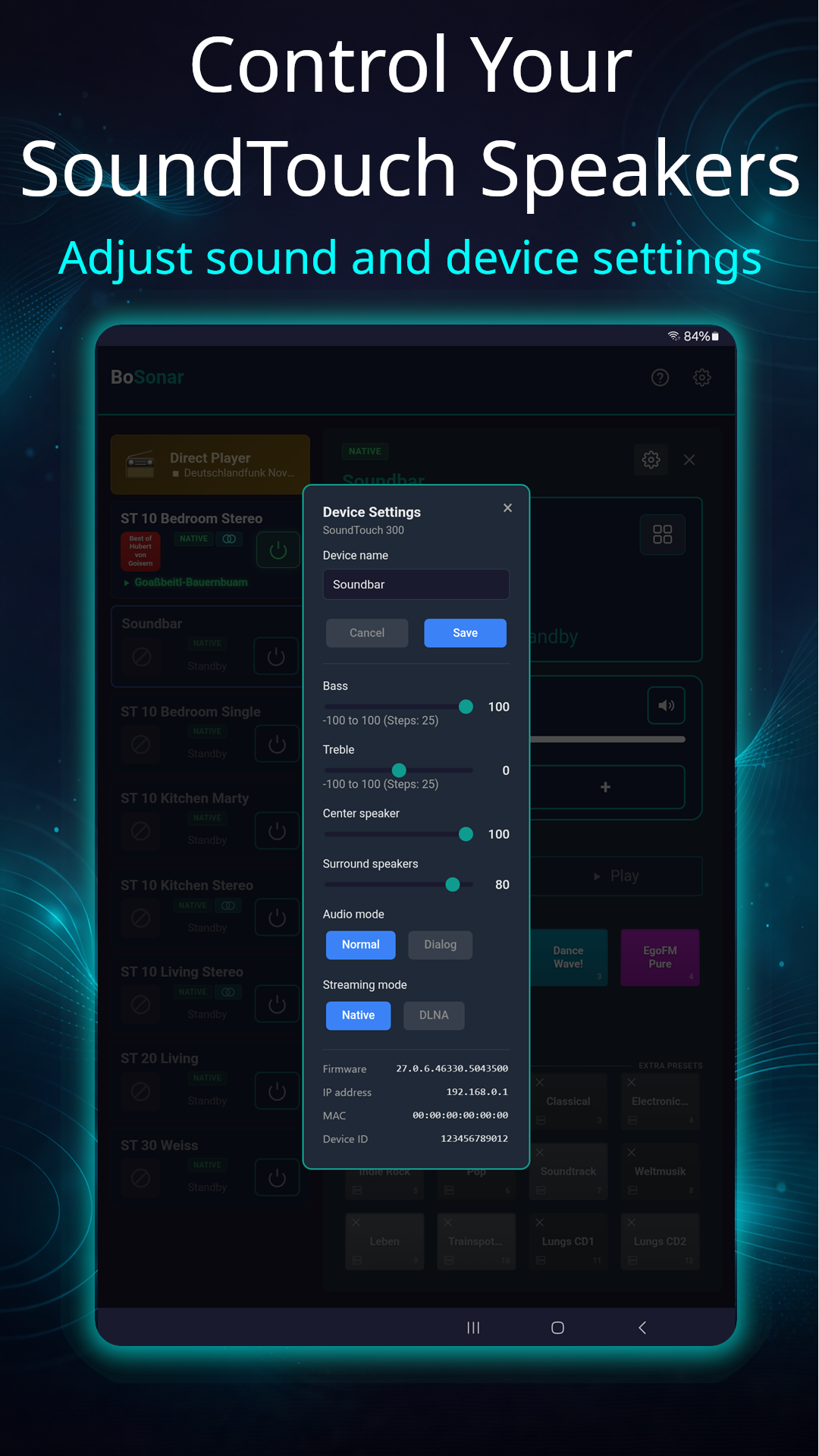
Device Settings
Adjust supported settings directly in the app.
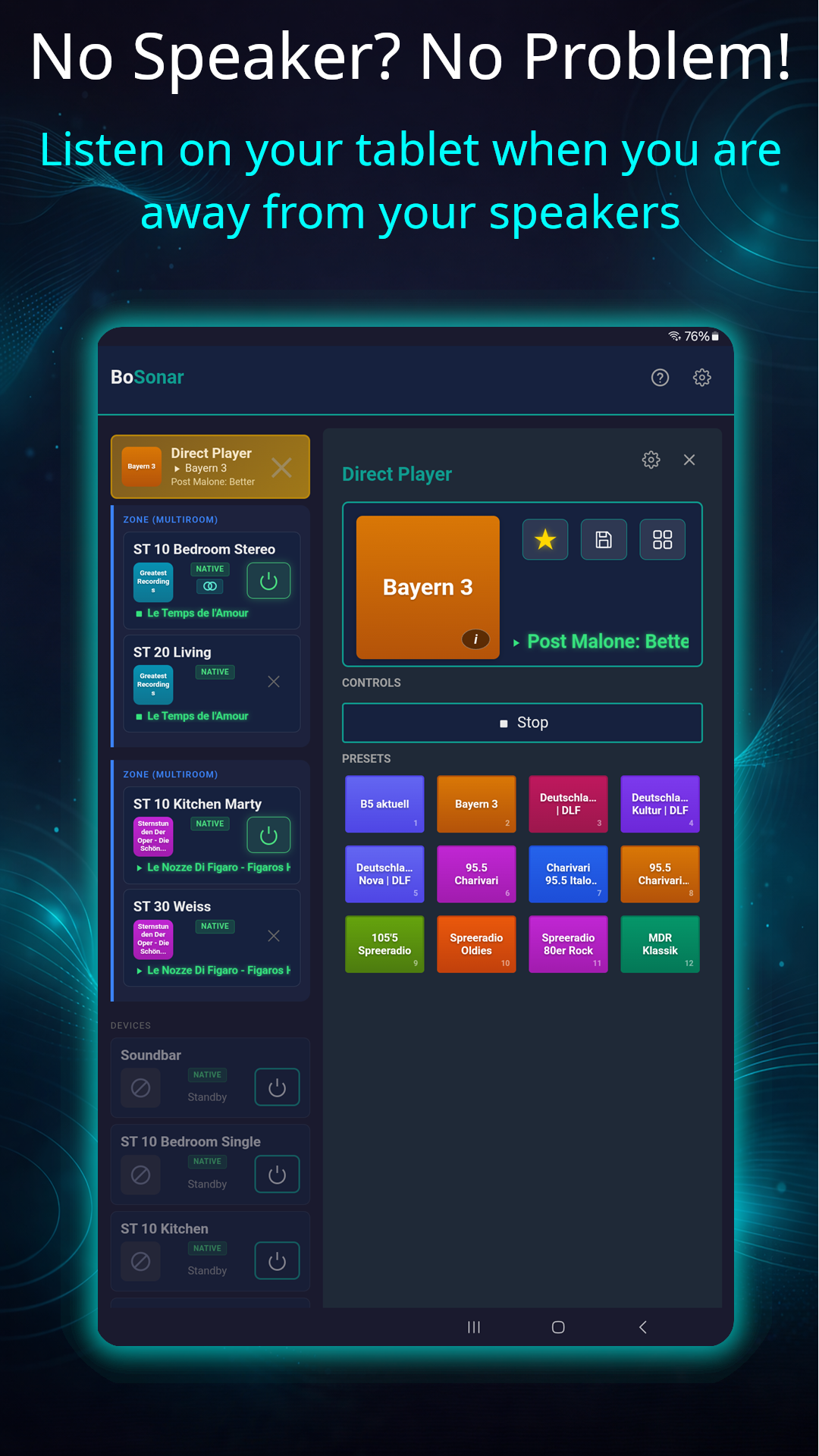
Listen on Your Tablet
Built-in native audio player — even on the go, no speaker needed.
Features
- Auto-Discovery: Automatically finds SoundTouch speakers on the local network via SSDP/mDNS.
- Presets & favorites: 6 hardware presets + 12 additional ones (unified, also for non-SoundTouch devices), unlimited favorites.
- “Device Doctor” to re-enable physical preset buttons
- Multiroom grouping
- Stereo pairing for SoundTouch 10 speakers
- Custom streams: create, manage, import, back up and restore
- Media servers (NAS): browse and play your own music collection on the network
- Device settings: sound, center and surround speakers, clock display — depending on the device
- Bluetooth pairing
- Direct Player: Listen on your phone without any SoundTouch speaker.
- Tablet Support: Optimized layout for tablet screens.
- Privacy-First: All data stored locally. No account required. No tracking.
- Volume Safety: Confirmation prompt when setting volume above a safe threshold
- Multilingual: User interface available in German, English, French, Spanish.
- Real-time UI Updates: Live volume, playback and zone status via WebSocket to reflect changes on the devices (e.g. volume up/down, preset changes)
- Background Playback: Keeps playing when the app is in the background
Planned
- Podcasts
- NAS support
The “Media Server” release (2026-08-18)
- Use your media server / NAS: browse your own music library, play it, and save albums, folders, playlists or other categories as favorites or presets
- Import your own streams: m3u, xspf and JSON (also inside a ZIP)
- Back up and restore your app data as a file
- Stereo pairs: 12 physical preset buttons now usable — 6 from the left SoundTouch 10, 6 from the right
- Save presets with a long-press, now also in the app
- Battery level and mains-power indicator for SoundTouch Portable
- In-app update link, Android 15/16 support, and many further improvements
The “Device Doctor & Stereo Pairing” release (2026-06-22)
- Restore “native mode” on DLNA-only devices — tested on SoundTouch 10/20/30/Portable speakers
- Create and manage stereo pairs (SoundTouch 10 speakers only), incl. stereo balance
- Track info: tap the stream name tile in “Now Playing” to see current track details
- Add speakers by IP address, saved permanently (max 40)
- Various new device settings and further improvements
Get BoSonar from the store:
Download now
Free for Android. No subscription, no ads.
Or join the beta program